
About this guide
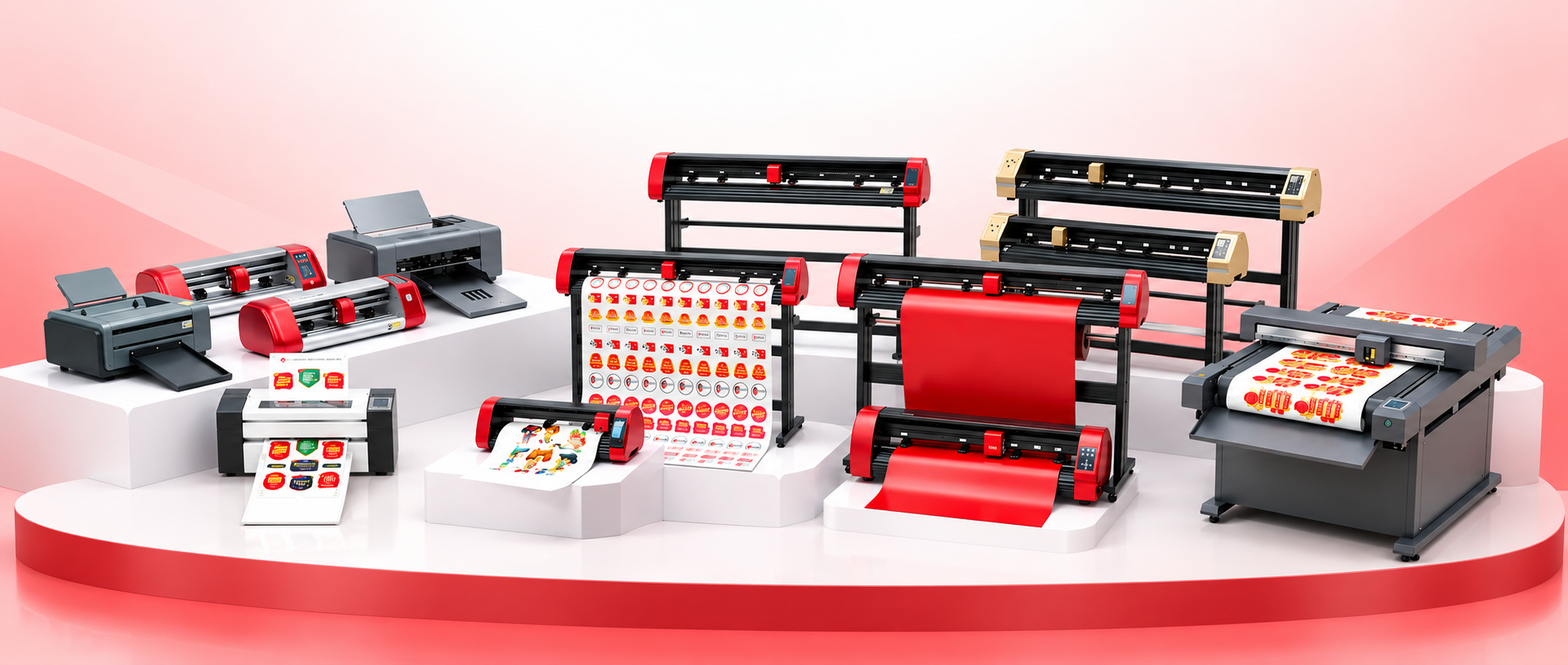
A vinyl cutting plotter cuts vinyl from a roll. Shops use the same vinyl cutting machine for vinyl stickers, radium cutting, and heat transfer vinyl. A 24 inch cutter is enough for most daily rolls. Move to a 48 inch or 60 inch cutting plotter only when the vinyl is wider.
In this guide
- Start with the daily job and the roll width
- Speed, cutting force, and roll tracking
- Vinyl cutter buying checklist
- Blade, radium cutting, and sticker work
- Quick Comparison
- Which One Should You Follow?
1. Start with the daily job and the roll width
What it is
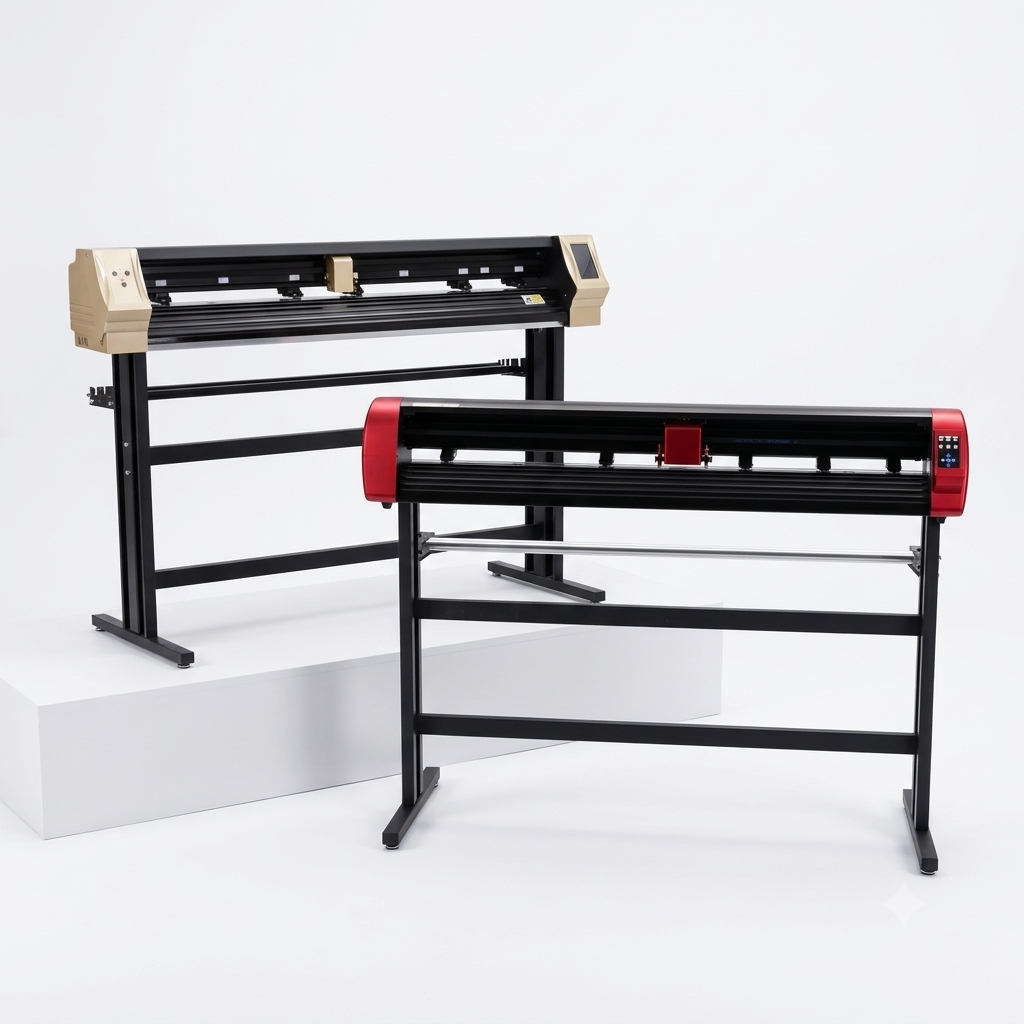
Match the vinyl cutting machine to the vinyl you cut this week, not the widest roll you might buy later.
Points to check
- Write one week of real jobs: window letters, vehicle stickers, radium boards, and heat transfer names.
- Note the widest roll you put on the machine every day.
- If most rolls are under 24 inches, a wider machine only takes more shop space.
- Move to a 48 inch or 60 inch cutter when you often cut vehicle graphics and stop joining long jobs by hand.
2. Speed, cutting force, and roll tracking
What it is
Speed helps on long sticker runs. Force helps on thick radium. Tracking keeps the roll straight after the first metre.
Points to check
- Servo vinyl cutters such as the VH24 are sold for high speed and high cutting force.
- Sticker half-cut, letter cutting, and radium film need different force on the same day.
- A machine that is gentle on window vinyl can still tear thin film if the blade setting is wrong.
- Cut small circles on your own vinyl. If they close and the roll does not shift, the cutter is honest.
3. Vinyl cutter buying checklist
What it is
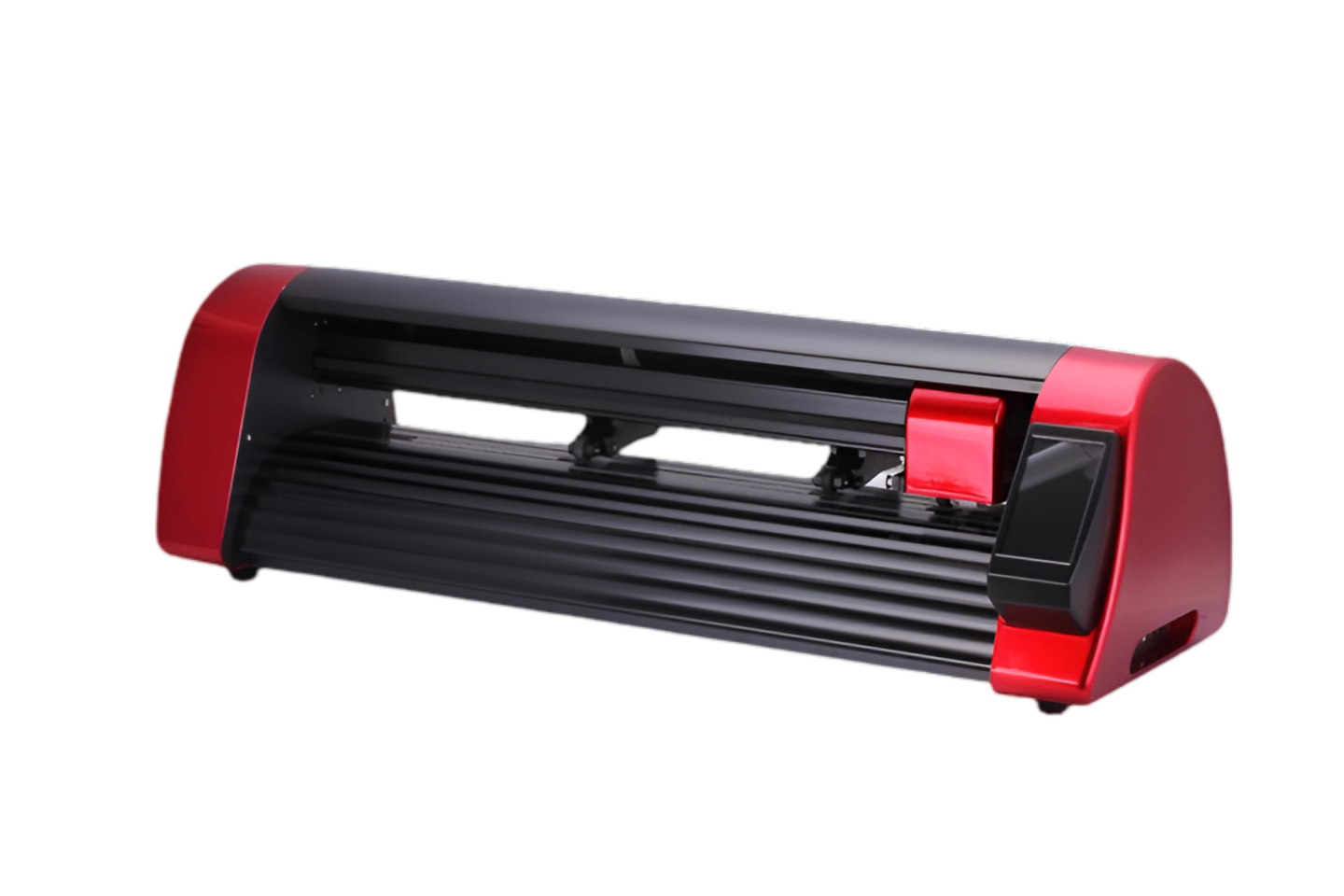
Add the stand, blades, software, and service to the price before the machine reaches your shop.
Points to check
- Material: cast vinyl, normal vinyl, radium, or heat transfer vinyl. Each needs a different blade and force.
- Software: check that your design file opens in the software the cutting plotter uses.
- Stand, basket, and blades: price them with the machine, not after delivery.
- A spare part in your city is better than a faster machine from a far seller. KingJet cutters run from small machines up to wider VH and V series.
4. Blade, radium cutting, and sticker work
What it is
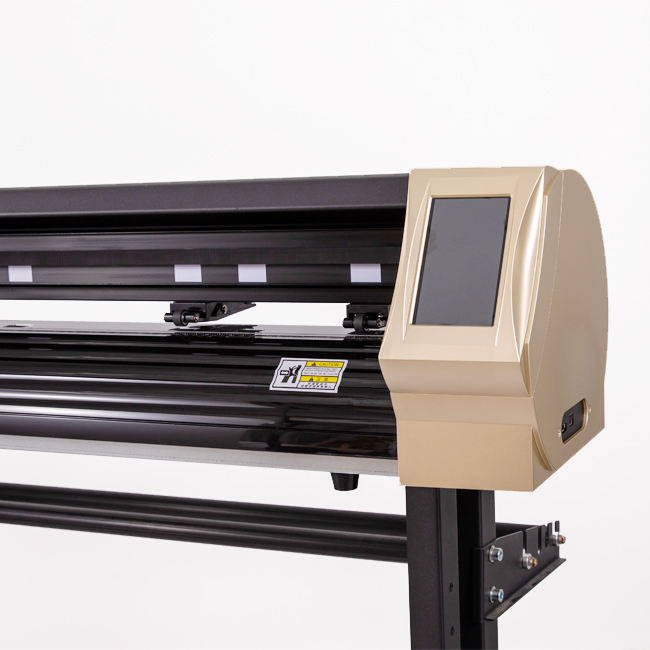
Vinyl stickers, heat transfer vinyl, and radium sticker cutting are three different jobs on the same vinyl cutting plotter.
Points to check
- Keep three blades: one for normal vinyl, one stronger blade for radium, and one spare still in the packet.
- Vinyl stickers need a light half-cut. Heat transfer vinyl needs a sharp blade and a mirrored file.
- Shops compare a C24, VH24, CX24, D24, and VH60 cutting plotter. People also search these sizes as Skycut C24, Skycut VH24, Skycut CX24, Skycut D24, and Skycut VH60.
- If the screen stays blank, that is a display spare for the exact model, not a reason to change the blade.
Vinyl stickers, heat transfer vinyl, and radium sticker cutting are three different jobs on the same vinyl cutting plotter.
Quick Comparison
At a glance — the points in this guide, in the same order as the sections above.
| Point | What to check |
|---|---|
| Start with the daily job and the roll width | Write one week of real jobs: window letters, vehicle stickers, radium boards, and heat transfer names. |
| Speed, cutting force, and roll tracking | Servo vinyl cutters such as the VH24 are sold for high speed and high cutting force. |
| Vinyl cutter buying checklist | Material: cast vinyl, normal vinyl, radium, or heat transfer vinyl. Each needs a different blade and force. |
| Blade, radium cutting, and sticker work | Keep three blades: one for normal vinyl, one stronger blade for radium, and one spare still in the packet. |
Which One Should You Follow?
Choose the vinyl cutting plotter that matches the vinyl you cut every day.
Start with the daily job and the roll width
→ Vinyl cutter
Note the widest roll you put on the machine every day.
Speed, cutting force, and roll tracking
→ Vinyl cutter
Sticker half-cut, letter cutting, and radium film need different force on the same day.
Vinyl cutter buying checklist
→ Vinyl cutter
Software: check that your design file opens in the software the cutting plotter uses.
Blade, radium cutting, and sticker work
→ Vinyl cutter
Vinyl stickers need a light half-cut. Heat transfer vinyl needs a sharp blade and a mirrored file.