
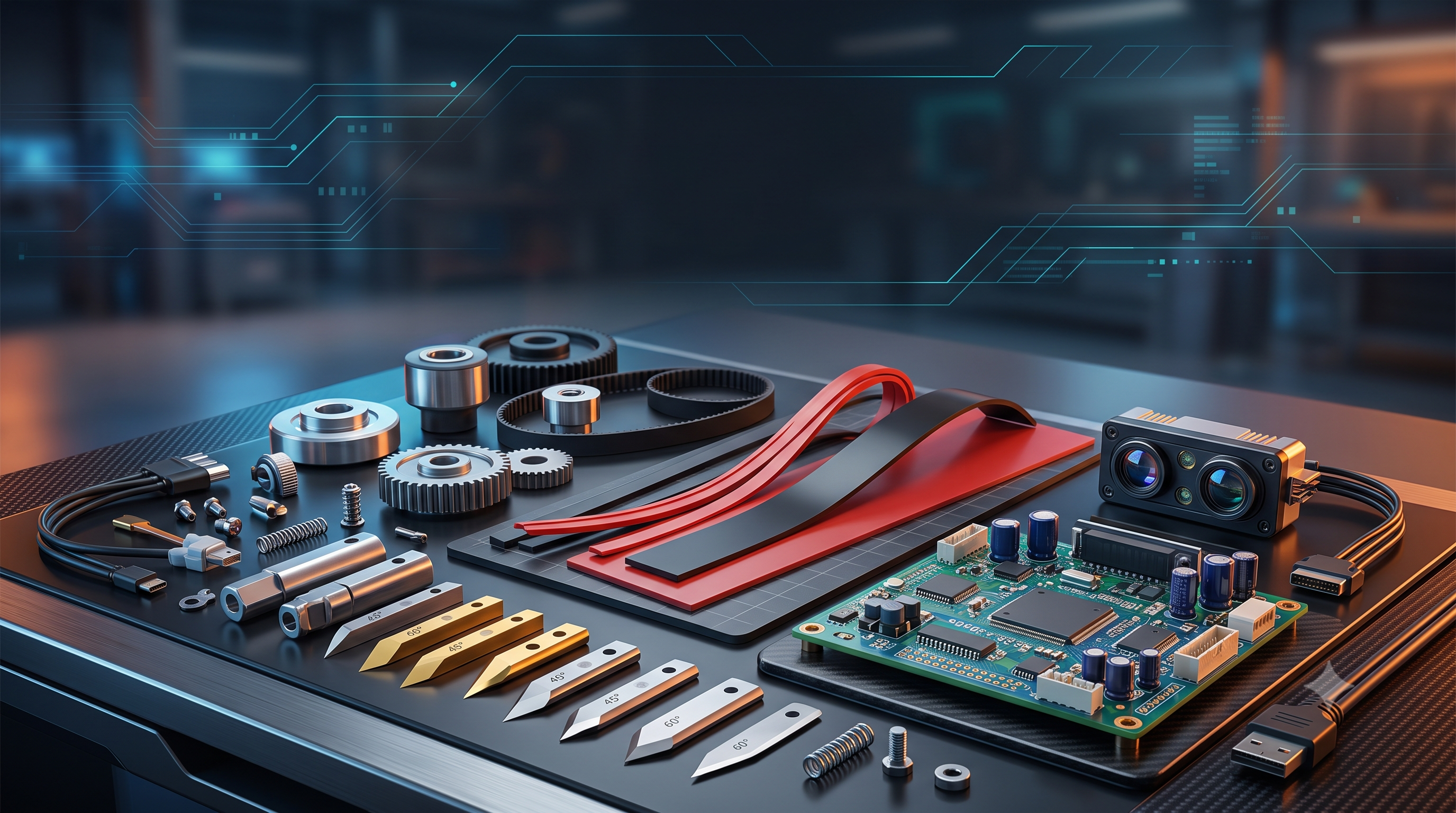
Which Skycut part do you need?
Skycut cutting machines share one rule: blades and cutting strips are consumables, sensors and electronics are replacements. If your cut is rough or incomplete, start with the blade and strip. If contour cutting fails, check the ARMS optical eye. If the machine will not start or move, look at the power supply, mainboard, motor, or belt.
| Your Skycut problem | Part to check |
|---|---|
| Rough edges, incomplete cuts, torn vinyl | Cutting blade (45° or 60°) + blade holder |
| Vinyl cut through to the backing, scored strip | Cutting strip / cutting mat |
| Contour cutting misaligned or not detecting marks | ARMS optical eye / laser sensor |
| Carriage stuck, grinding noise, no movement | Belt, pinch rollers, stepper motor |
| Machine dead, display blank, no response | Power supply, mainboard, LCD panel |
Consumables
Blades, holders, strips — replace on schedule.
Sensors
ARMS eye and laser sensor for contour cutting.
Electronics
Motors, belts, boards, and power parts.
Skycut Cutting Blades and Blade Holders
What fits your Skycut
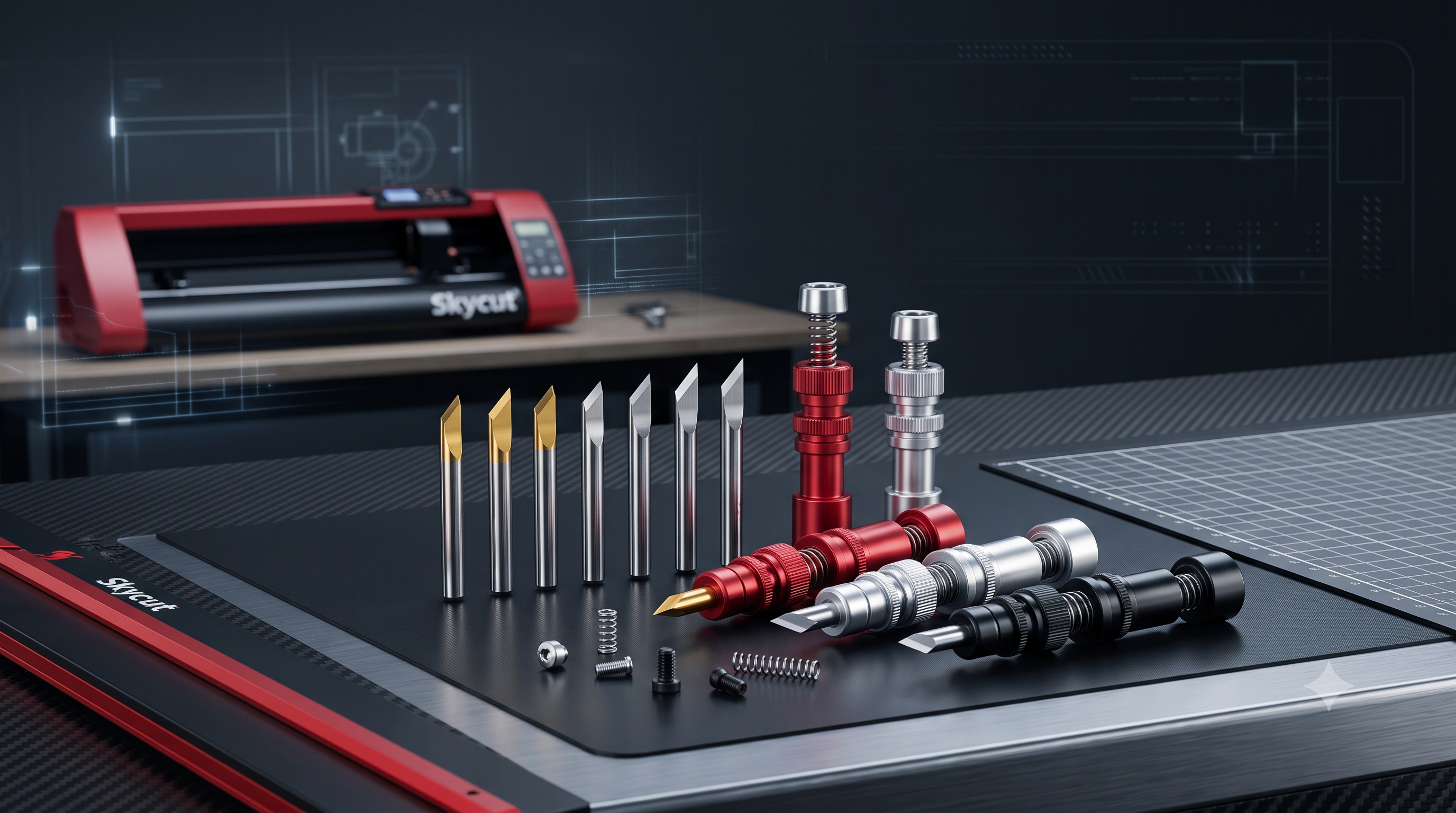
Skycut vinyl cutters use standard 2 mm shank blades in two common angles. The blade holder grips the blade and seats into the carriage, and a worn holder causes wobble even with a new blade.
- 45° blade: the everyday blade for vinyl, sticker paper, and HTV up to medium thickness
- 60° blade: for thick material — reflective vinyl, sandblast stencil, flock, and heavy HTV
- Blade holder: check the spring and collar; a loose holder makes oval cuts and marks the strip
- Blade life: roughly 500 m to 1 km of vinyl per blade, less on abrasive material
Signs of a dull blade: whisker edges on small text, vinyl tearing instead of cutting, and cuts that need extra force. Rotate to a fresh blade before blaming the machine.
Best for: every Skycut C24, C28, C34, C44, D series, and CX series owner — keep at least two spare blades and one spare holder.
Skycut Cutting Strips and Cutting Mats
Why the strip matters
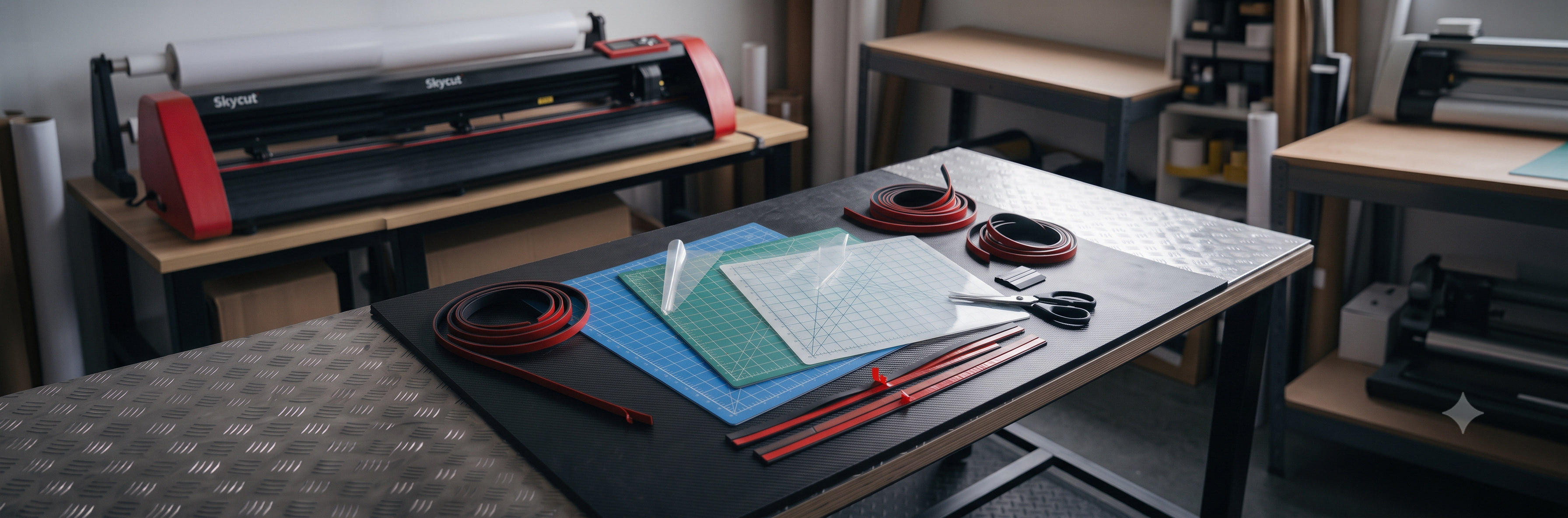
The cutting strip is the soft plastic rail under the vinyl. The blade is set to cut through the vinyl and stop in the strip. When the strip wears out, the blade hits the metal bed, cuts through the backing paper, and dulls within days.
- Cutting strip: self-adhesive rail that runs the length of the bed; check for visible score lines weekly
- Cutting mat: used for small pieces and craft work; the sticky surface holds the material flat
- Replacement cycle: heavy shops change strips monthly; light users every few months
A fresh strip plus a fresh blade solves most "my Skycut is not cutting properly" calls. Keep one strip spare — it is the cheapest fix for the costliest downtime.
Best for: all Skycut cutting plotters — strips are model-size specific, so match the cutting width of your machine.
Skycut ARMS Optical Eye and Laser Sensor
How the sensor works
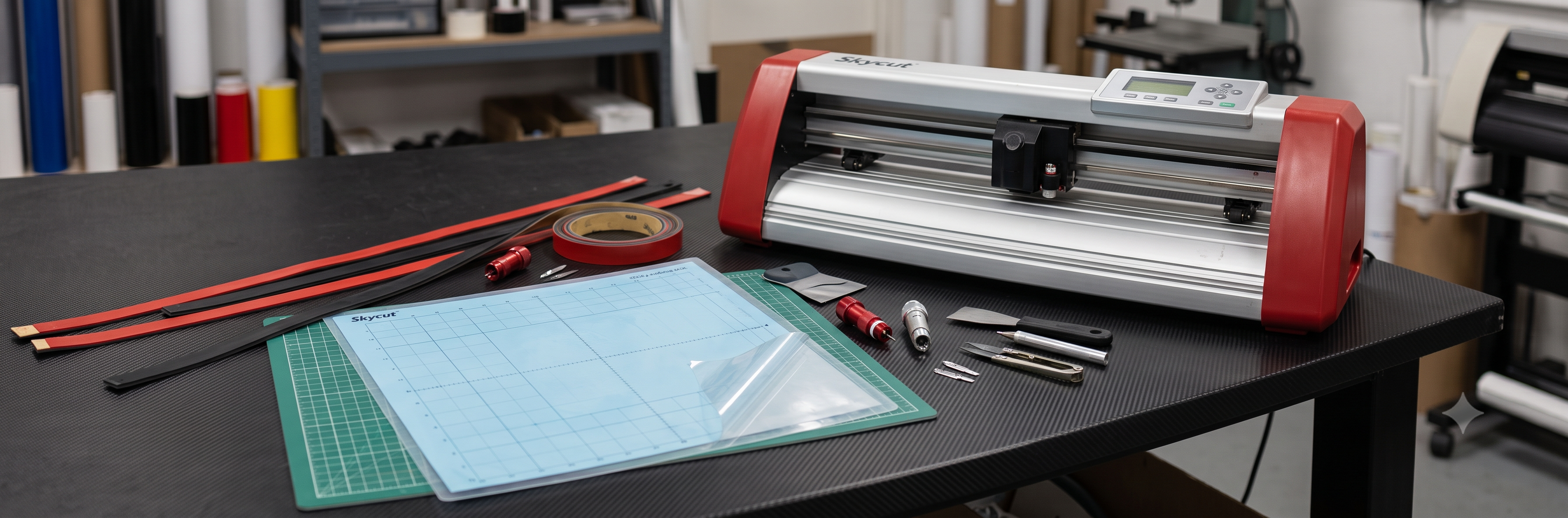
The ARMS optical eye reads the black registration marks printed around your artwork. It tells the cutter exactly where the design sits, so printed stickers cut perfectly on contour. Skycut models with laser guidance use a laser sensor module for the same job.
- Symptom of a failing eye: "mark not found" errors, contour cuts drifting off the printed edges
- Common causes: dust on the sensor lens, faded or glossy marks, or a dead sensor after a power surge
- First fix: clean the lens, reprint marks at higher density, print on matte settings
- Real replacement: only when cleaning and settings do not restore detection
Match the sensor to your model series — C and CX series use different sensor boards. Send a photo of your carriage head when ordering so the right part ships.
Best for: shops that print and cut stickers, labels, and die-cut shapes daily.
Skycut motors, belts, pinch rollers, and boards
These parts rarely fail early, but when they do, the machine stops. Identify the symptom first, then order the exact part with your model number.
| Part | What it does | Failure symptom |
|---|---|---|
| Pinch rollers | Grip the vinyl between roller and grit shaft | Material slipping, crooked feeds |
| Grit shaft / drive shaft | Moves the vinyl forward and back | Vinyl stalls mid-job |
| Stepper motors | Drive the carriage and the grit shaft | Grinding noise, skipped steps, no movement |
| Drive belts | Connect motors to the carriage | Loose cuts sideways, carriage jerk, belt cracks |
| Mainboard | The control brain of the cutter | No boot, no response to panel |
| Power supply | Feeds the machine | Dead machine, random restarts |
| LCD panel / buttons | Front controls and display | Blank screen, dead buttons |
| Cables and connectors | Wire the carriage and sensors | Intermittent errors after movement |
Quick rules
- Always quote your full model number — C24, C28, C34, C44, D series, or CX series — boards and belts differ by width and series.
- Send a photo of the failed part and the machine label before ordering electronics.
- Belts and rollers are wear items: inspect them every month in a busy shop.
Skycut parts by model
Most consumables are shared across the range, but size-specific parts must match your machine. Use this table before you order.
| Skycut model | Blades | Strip / mat size | Sensor |
|---|---|---|---|
| Skycut C24 | 45° / 60°, 2 mm shank | 24-inch strip | ARMS optical eye |
| Skycut C28 | 45° / 60°, 2 mm shank | 28-inch strip | ARMS optical eye |
| Skycut C34 | 45° / 60°, 2 mm shank | 34-inch strip | ARMS optical eye |
| Skycut C44 | 45° / 60°, 2 mm shank | 44-inch strip | ARMS optical eye |
| Skycut D series | 45° / 60°, 2 mm shank | Model-width strip | ARMS optical eye |
| Skycut CX series | 45° / 60°, 2 mm shank | Model-width strip | Series-specific sensor board |
What to check before you buy
- Model number and cutting width on the machine label
- Blade shank size — Skycut uses the standard 2 mm holder system
- Strip length must match the bed width; a wrong length leaves cut zones exposed
- Photo of the carriage head when ordering sensors or boards
Genuine vs compatible Skycut parts
| Feature | Genuine Skycut parts | Compatible parts |
|---|---|---|
| Fit and finish | Exact, guaranteed fit | Good on blades and strips, varies on electronics |
| Blade life | Consistent, tested steel | Varies by batch |
| Sensors and boards | Matched firmware, plug and play | Check compatibility with your series first |
| Price | Higher | Lower |
| Best for | Electronics, sensors, warranty safety | Blades, strips, mats, rollers — daily consumables |
A practical mix: run compatible blades and strips to control daily costs, and buy genuine or verified parts for sensors, boards, and power supplies where a wrong fit costs days of downtime.
How to choose the right Skycut spare part
- Start with the symptom. Rough cuts point to blade and strip. Contour errors point to the sensor. No power or movement points to electronics.
- Read the machine label. Note the full model and cutting width before ordering anything size-specific.
- Replace consumables in pairs. A new blade on an old strip, or the reverse, gives half the life of both replaced together.
- Photograph the failed part. For sensors, boards, and belts, a photo plus model number gets the exact match shipped.
- Keep a spares kit. Two blades, one holder, one strip, and one pinch roller cover most stoppages without waiting for shipping.
- Buy from a source that supports. Batch-tested blades, correct strips, and someone who answers setup questions matter more than the lowest price.