
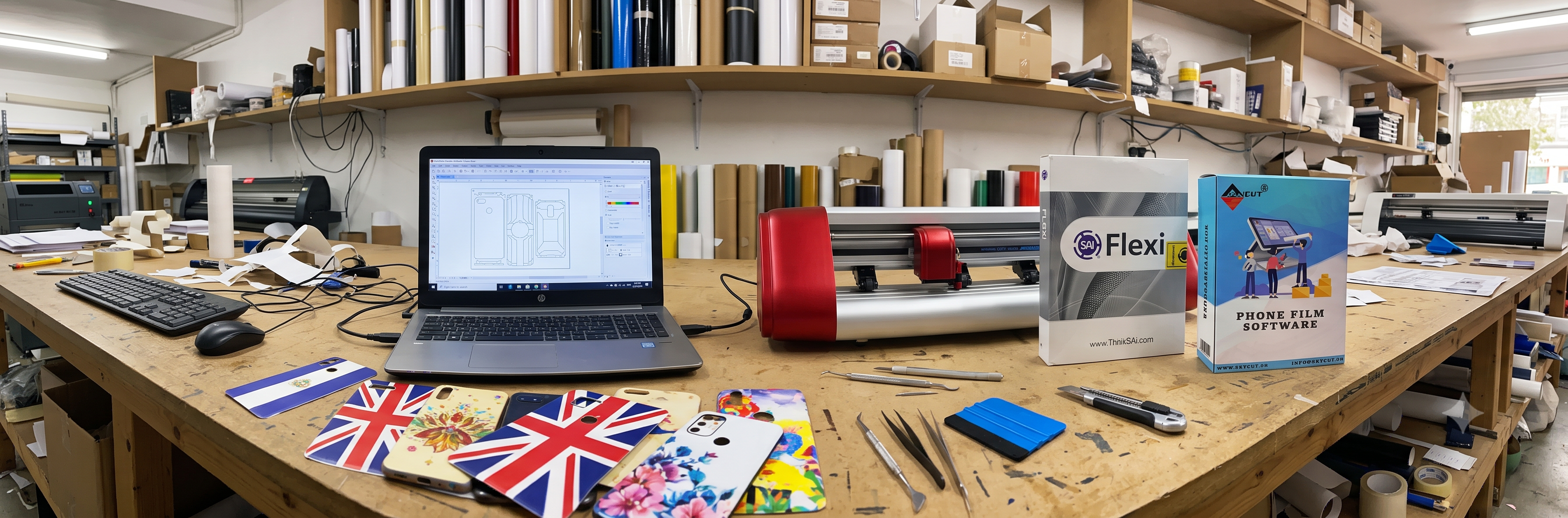
Which cutting software do you need?
The software you buy with your plotter matters as much as the machine. SignMaster and Artcut are the most common bundles with Indian cutters, FlexiSIGN is the production standard for signage, and Easy Cut Studio suits small shops and craft users. Match the software to your machine's drivers, your contour cutting needs, and how you design — then learn one program properly instead of switching.
| Your setup and work | Best software choice |
|---|---|
| New Skycut or standard vinyl plotter, daily cutting | SignMaster or the bundled Artcut |
| Sign shop with print and cut, wide format work | FlexiSIGN |
| Sticker sheets, craft work, small business | Easy Cut Studio |
| Number plates and radium letters | Software with plate fonts and templates |
SignMaster
Common plotter bundle, easy to learn.
FlexiSIGN
Production signage standard.
Artcut
Lightweight, ships with many cutters.
What Does Cutting Software Actually Do?
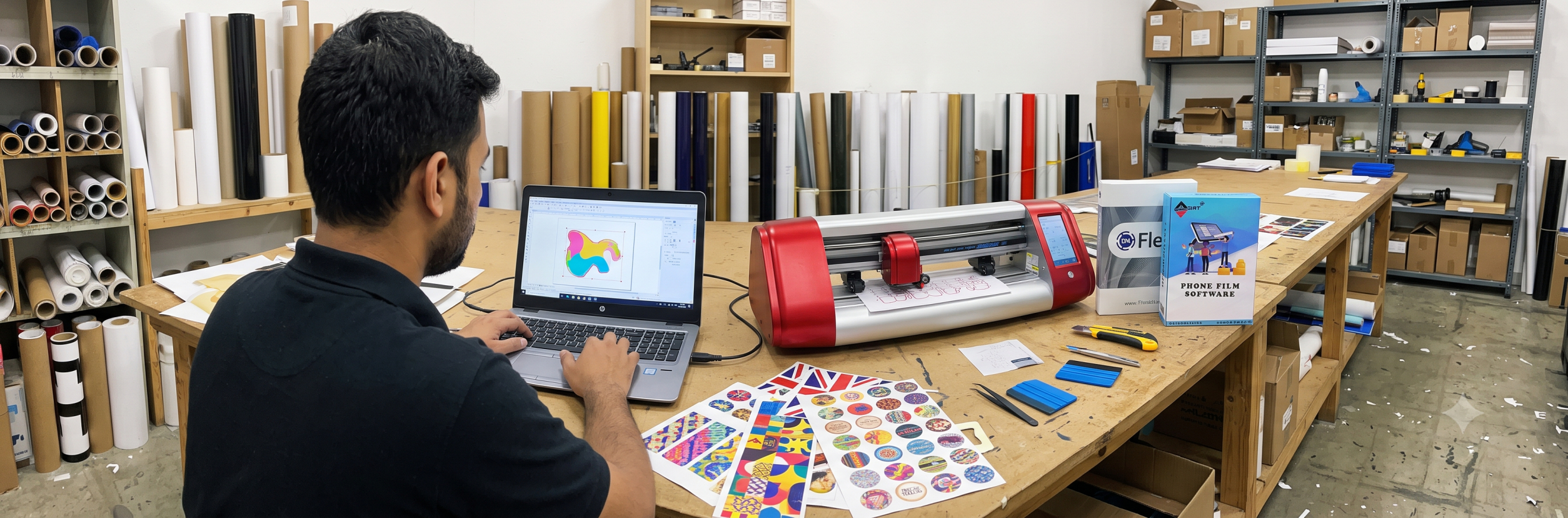
The bridge between design and blade
Cutting software does three jobs in one: it lets you create or import artwork, it converts that artwork into cutting paths, and it sends those paths to your plotter with the right settings. Everything your machine does — force, speed, blade offset, registration marks, dual head assignment — is controlled from the software.
- Design tools: text, shapes, welding, tracing bitmaps into cut lines
- Cut preparation: nesting, tiling large jobs, setting blade offset and overcut
- Contour cutting: printing registration marks, then cutting printed graphics on contour
- Machine control: drivers for your plotter, force and speed presets per material
A weak software setup wastes a good machine: manual workarounds, misread registration marks, and files that will not import cost hours every week. A good one makes daily cutting feel automatic.
Best for: every plotter owner — the software is where your productivity actually lives.
Popular Cutting Software: SignMaster, Artcut, FlexiSIGN and More
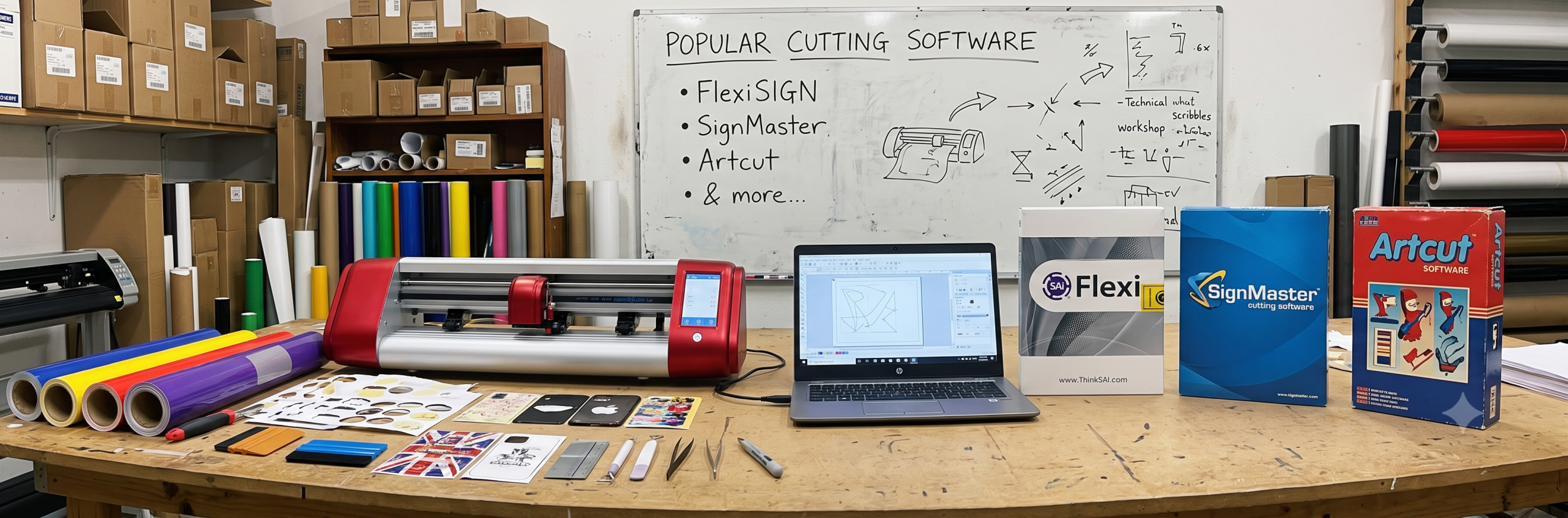
The names you will meet
These are the programs most Indian shops run on their plotters. Each has a niche, and all support standard cutting features.
- SignMaster: the most common bundle with new vinyl cutters. Clean interface, solid contour cutting with ARMS marks, easy tracing, and good material presets. Versions range from basic cut-only to full design suites.
- Artcut: a lightweight classic that ships with many Chinese-brand plotters. Handles text, shapes, and basic contour cutting well. Less modern interface, but proven and light on old PCs.
- FlexiSIGN (Flexi DESIGN / FlexiSIGN & PRINT): the signage industry standard. Full design, RIP for print, advanced contour cutting, and production workflow tools. Costs more — pays back in busy sign shops.
- Easy Cut Studio: friendly for small businesses and craft users. Good library, simple tracing, supports a long list of cutters including Skycut models.
- CorelDRAW / Illustrator + plugin: many designers already work here. With a cutting plugin or export through a cut utility, your existing design tool drives the plotter directly.
Practical advice: whichever program comes bundled with your plotter, learn it fully first. Most shops that "hate" their software simply never learned the contour and nesting tools that save the most time.
Best for: matching the tool to the shop — bundles for starters, FlexiSIGN for production signage, design-tool plugins for designers.
Cutting Software Features That Actually Matter
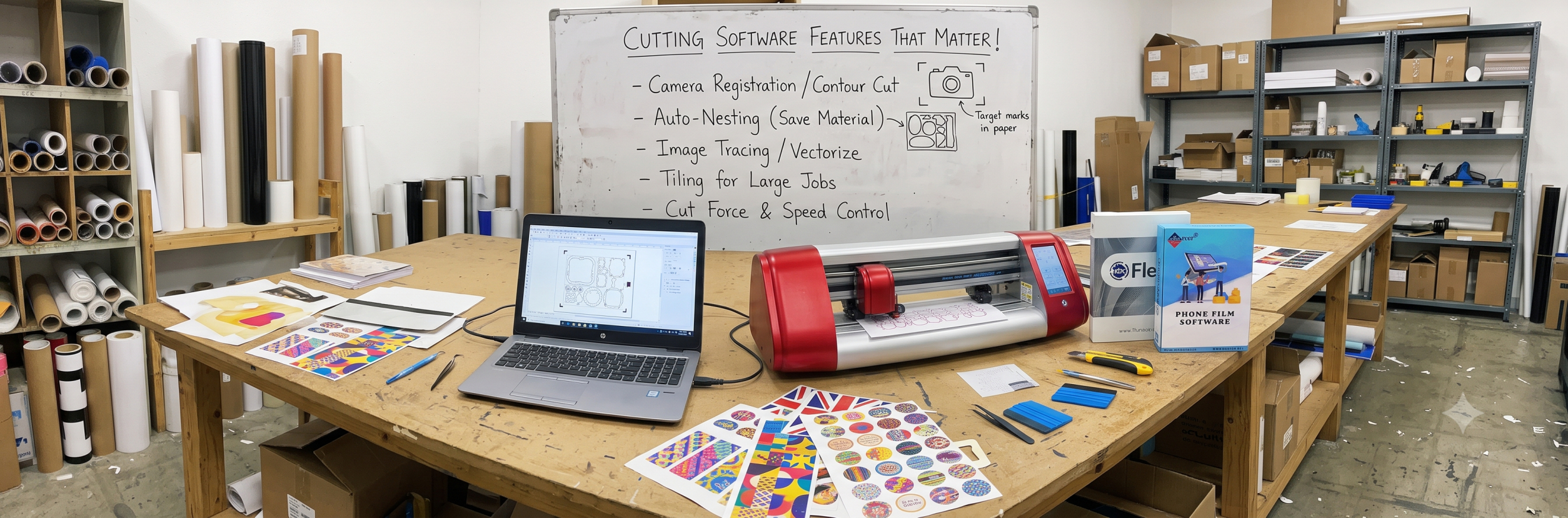
Check these before you buy
Brochures list dozens of features. These decide whether daily work flows or fights you.
- Contour cutting with ARMS: creates registration marks, and reads them to cut printed graphics on contour. Non-negotiable for print and cut shops.
- Bitmap tracing: converts logos and JPGs into clean cut paths in a few clicks. Bad tracing wastes hours redrawing.
- Nesting: arranges multiple copies to save material. On vinyl and label stock, good nesting pays for the software.
- Blade offset and overcut control: sharp corners depend on correct offset. Fine control here decides cut quality on small text.
- Material presets: saved force, speed, and depth per material — one click instead of retyping settings.
- Dual head and tool assignment: for dual head plotters, software must assign layers or colours to head 1 and head 2.
- File imports: SVG, AI, EPS, PDF, and PLT support means fewer conversion detours.
- Templates: number plate layouts, box templates, and tile guides for the jobs you repeat.
Ask for a live demo of the three big ones — contour cutting on a printed sheet, tracing your own logo, and nesting a repeat job. Software that handles those well handles real work.
Best for: separating marketing checklists from features that touch your daily output.
Cutting software and machine compatibility
Software is useless without a driver for your exact plotter. Check compatibility before you pay — and confirm it works on your PC's Windows version.
| Software | Works with | Typical bundle or use |
|---|---|---|
| SignMaster | Skycut, common Chinese-brand plotters, most HPGL machines | Bundle with new vinyl cutters |
| Artcut | Older and current Chinese-brand plotters, HPGL and DMPL | Bundle with many cutters, older PCs |
| FlexiSIGN | Wide range of pro plotters, printers with RIP | Production sign shops |
| Easy Cut Studio | Long list including Skycut, Cricut-style, and HPGL cutters | Small shops and craft users |
| CorelDRAW + cut plugin | Depends on the plugin and plotter driver | Designers who already use Corel |
Quick rules
- Confirm your plotter model appears in the software's supported list — by name, not "most plotters".
- Check the USB or serial connection works with your PC's Windows version before installation day.
- If you print and cut, the software and your printer must both be in the workflow test — demo the full chain.
- Keep the driver CD or download safe: reinstalling without the correct driver is the most common support call.
Free vs paid cutting software
| Feature | Free / basic tools | Paid cutting software |
|---|---|---|
| Basic cutting of text and shapes | Yes | Yes |
| Contour cutting with ARMS marks | Limited or missing | Full support |
| Advanced tracing | Basic, rough edges | Clean, adjustable |
| Nesting and tiling | Rarely included | Standard |
| Dual head assignment | Almost never | On supported versions |
| Support and updates | Community only | Vendor support |
| Best for | Learning, hobby cutting | Businesses earning daily |
The honest math: if cutting earns money, paid software pays for itself in saved material from nesting alone, then in contour accuracy and time. Free tools are fine to learn on — but a shop printing and cutting daily cannot run properly without real contour support.
Licence, install and activation
Cutting software is licensed per computer, and activation problems are the most common setup issue. Handle the licence properly from day one.
- Licence types: most bundles are a single-PC permanent licence; professional suites may offer USB dongles or subscription plans. Know which you bought.
- Activation: activate immediately after install, and register with the vendor where possible — activation keys lost with a dead PC are painful to recover.
- PC changes: before replacing or formatting the PC, deactivate or note your key. Ask your supplier about a transfer process.
- Backups: keep the installer, key, and driver files in two places — cloud plus a pen drive with the machine.
- Updates: minor updates are usually free within a version; major upgrades may cost. Check the update policy when comparing prices.
Avoid pirated copies for business work: unstable builds, missing drivers, and no support cost more in downtime than a genuine licence.
Best for: shops where the design PC is as critical as the plotter itself.
How to choose and set up cutting software
- Start with compatibility. Confirm your plotter model is supported by name, and that the program runs on your PC's Windows version.
- Match your work. Print and cut shops need real ARMS contour support; dual head owners need layer assignment; plate makers need templates.
- Demo your own jobs. Trace your logo, contour-cut your own printed sheet, and nest a repeat file in the demo — not the vendor's sample files.
- Learn one program deeply. Master contour marks, nesting, and presets in your bundled software before buying a second tool.
- Build presets. Save force, speed, and depth per material — vinyl, HTV, radium, and label stock — so operators never guess.
- Set up the print and cut chain. Test print marks, scan, and cut in one workflow until it repeats reliably on your materials.
- Protect the licence. Activate, register, back up the installer and key, and record the deactivation process before any PC change.