A3 Max 4, 5 or 6 — which one should you buy?
The A3 Max series is a cutting plotter family with three versions — 4, 5, and 6 — and every version comes in two configurations: Dual Head for cut-and-crease box making, or Auto Feeder for unattended long vinyl runs. The right choice has two steps: first pick the configuration that matches your jobs, then pick the version that matches your volume and budget.
| Your work | Right choice |
|---|---|
| Stickers, mobile skins, labels — lowest investment | A3 Max 4 |
| Daily sticker and HTV volume with room to grow | A3 Max 5 |
| Heavy daily cutting with the latest features | A3 Max 6 |
| Boxes, cartons, packaging — cut and crease in one pass | Dual Head configuration |
| Bulk sticker runs and long vinyl without feeding by hand | Auto Feeder configuration |
A3 Max 4
The value entry into the series.
A3 Max 5
The balanced everyday version.
A3 Max 6
The latest and most capable.
A3 Max 4 — the affordable entry into the series
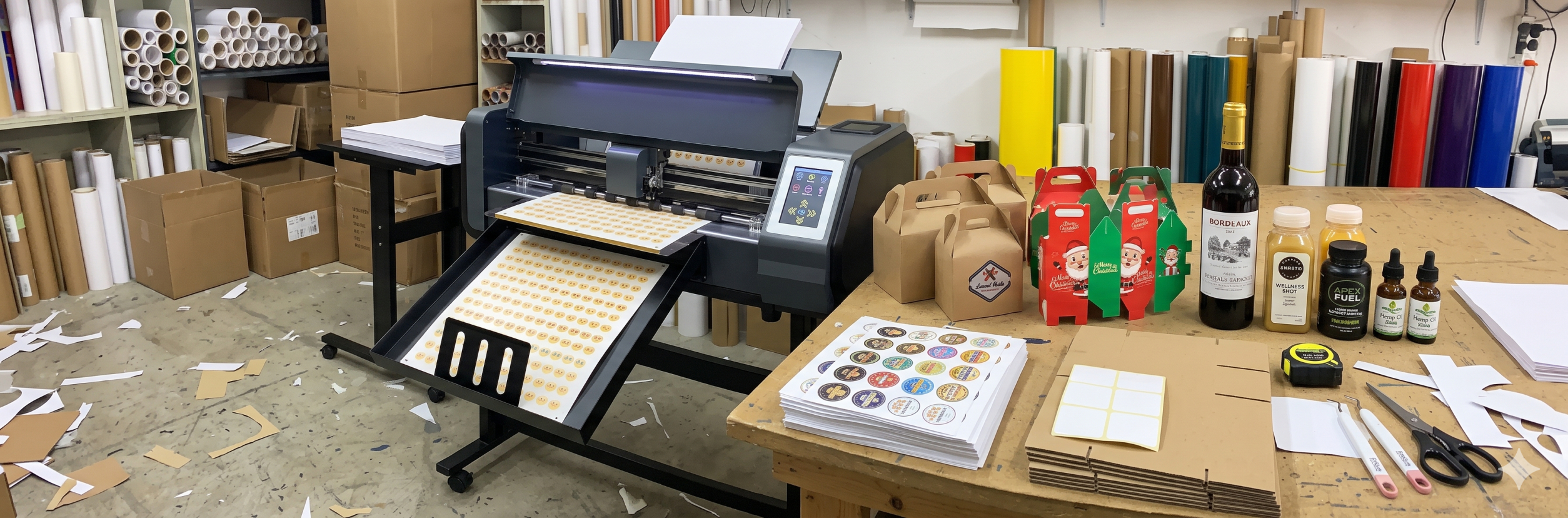
What the Max 4 does best
The A3 Max 4 is the value version of the series — full cutting capability in the A3 class, at the friendliest price. It runs the same blade system, software workflow, and material range as the newer versions, and covers the jobs that make up most small-shop demand: mobile skins, sticker die-cuts, labels, and HTV.
- Lowest price in the series — fastest machine to pay back
- A3-class cutting — covers skins, stickers, labels, and HTV
- Same blades, strips, and software workflow as Max 5 and 6
- Available in Dual Head and Auto Feeder configurations
- Simple to learn — staff cut their first job the same day
Where it stops: heavy daily volume and the newest feature upgrades. If orders keep the machine busy all day, the Max 5 or 6 is the better long-term seat.
Best for: first-machine buyers, mobile skin counters, and sticker startups on a budget.
A3 Max 5 — the everyday workhorse
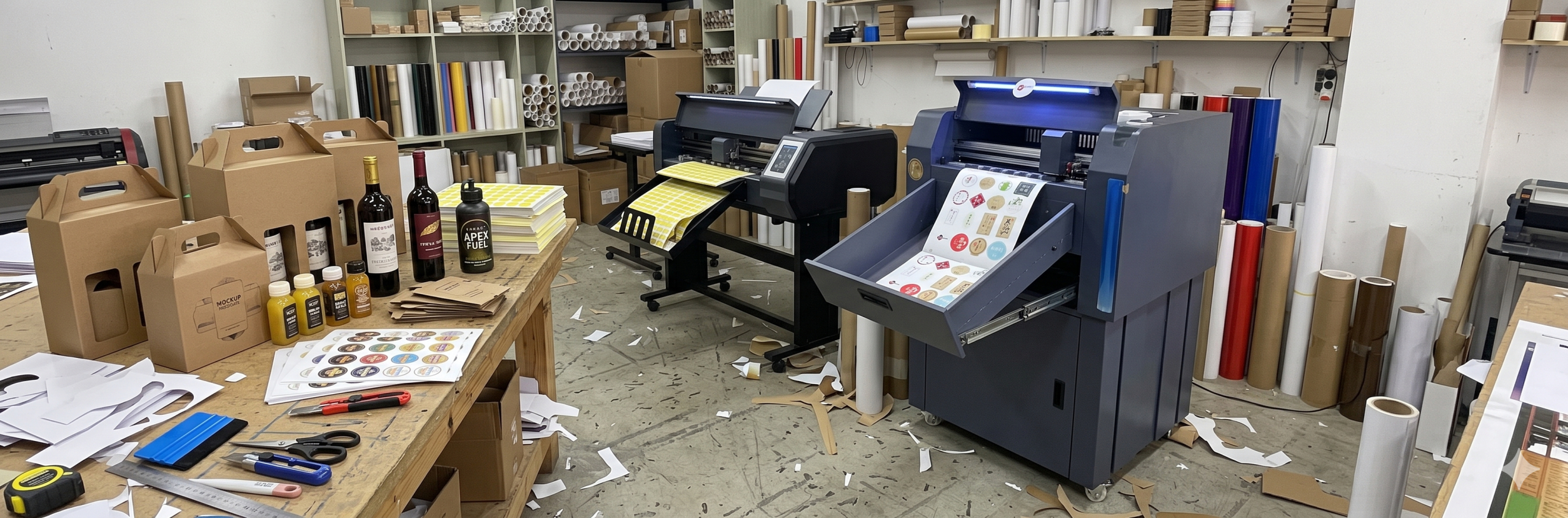
What the Max 5 does best
The A3 Max 5 is the version most shops settle on. It cuts faster than the Max 4 while keeping the same A3 workflow, blades, and materials. For a shop with steady daily orders, it is the point where speed, price, and reliability balance best.
- Faster cutting than the Max 4 — fewer queues at peak time
- Updated features over the Max 4 for steadier long-run output
- Same A3 workflow, blades, and material range as the series
- Handles seasonal spikes without turning rush orders away
- Mid price — the common choice for second-machine buyers too
The honest trade-off: if your orders are still light, the Max 5's extra speed sits partly unused. If the machine already runs all day, you will feel its ceiling — that is the Max 6.
Best for: established sticker shops, HTV work, and buyers planning to grow.
A3 Max 6 — the top of the range
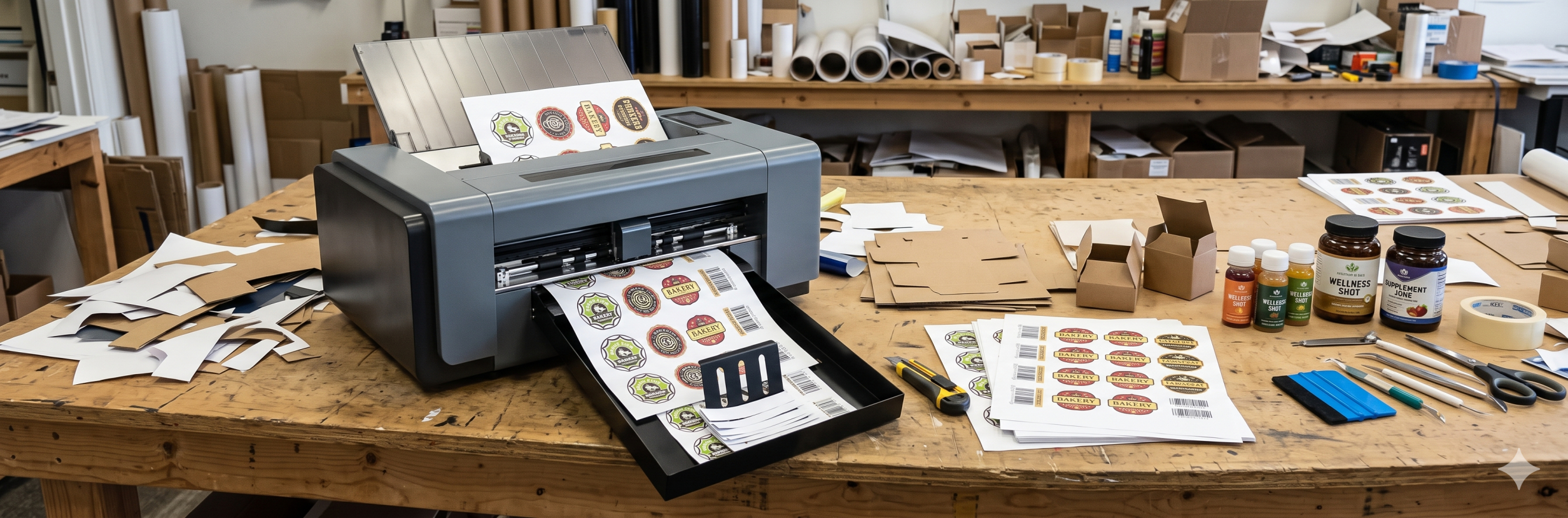
What the Max 6 does best
The A3 Max 6 is the newest and most capable version of the series — built for shops where the plotter runs most of the day. Highest throughput in the family, with the latest feature set and refinements across the cutting system.
- Highest speed in the series — clears big orders in a shift
- Latest feature set and refinements over Max 5 and 4
- Same A3 workflow, blades, and materials — no new learning curve
- Headroom for growth — add customers without adding queues
- Highest price — justified by real daily volume
The honest trade-off: bought too early, the Max 6 is speed you paid for and do not use. Bought at the right time, it is the machine that stops you turning work away.
Best for: busy sticker shops, packaging work, and production units running shifts.
A3 Max 4 vs 5 vs 6 — side by side
| Feature | A3 Max 4 | A3 Max 5 | A3 Max 6 |
|---|---|---|---|
| Cutting class | A3 | A3 | A3 |
| Configurations | Dual Head, Auto Feeder | Dual Head, Auto Feeder | Dual Head, Auto Feeder |
| Speed | Entry level | Mid — sweet spot | Highest |
| Features | Core set | Updated set | Latest set |
| Materials | Vinyl, skins, HTV, labels | Vinyl, skins, HTV, labels | Vinyl, skins, HTV, labels |
| Price | Lowest | Mid | Highest |
| Best for | Starters | Growing shops | Volume production |
Confirm exact speed, force, and feature differences for each version against the official product pages before publishing or quoting.
Dual Head or Auto Feeder — the configuration decision
Version and configuration are two separate choices. Every A3 Max version comes in both configurations, and the configuration decides what the machine is brilliant at.
| Feature | Dual Head configuration | Auto Feeder configuration |
|---|---|---|
| Two tools in one pass | Yes — cut and crease together | Single tool station |
| Best job | Boxes, cartons, packaging mockups | Bulk stickers, labels, long vinyl runs |
| Unattended runs | Sheet by sheet | Yes — feeds and takes up on its own |
| Kiss-cut + through-cut together | Yes, two blades | In sequence, one blade |
| Material form | Sheets and board | Rolls |
| Best for | Packaging and box makers | Sticker and label volume |
Quick rules
- Boxes and samples in your plan? Dual Head — the cut-and-crease pass is the whole point.
- Rolls of stickers and labels? Auto Feeder — the machine feeds itself while you do other work.
- Mixed shops: many run one of each — a Dual Head for packaging and an Auto Feeder for sticker volume.
- The version (4, 5, or 6) applies within either configuration — pick speed and budget after the configuration.
Who should buy which version
| Buy A3 Max 4 if... | Buy A3 Max 5 if... | Buy A3 Max 6 if... |
|---|---|---|
| You are starting your cutting business | Orders arrive steadily every day | The plotter runs most of the day |
| Budget is the deciding factor | The Max 4 queues up at peak time | You turn rush orders away today |
| Skins, labels, and small runs are the work | You want headroom without the top price | You run production at scale |
| It is your first cutting machine | You are adding a second machine | You want the latest features from day one |
The single deciding exercise: write down your last twenty cutting jobs and note how long each kept the machine busy. If everything fits easily inside a Max 4's pace, buy it with confidence. If the machine is the bottleneck, step up to the Max 5 or 6.
What to check before you buy any A3 Max
- Configuration first — Dual Head for boxes and cut-and-crease, Auto Feeder for roll volume
- Cutting force headroom for your thickest regular material — test cut it at the demo
- ARMS optical eye if printed sticker contour work is in your plan
- Software included, with drivers for your PC — confirm a live cut before payment
- Blades, cutting strips, and pinch rollers stocked locally — wear parts decide uptime
- Warranty, installation, and someone who answers the phone after the sale
A simple start: any version in your chosen configuration, plus two spare blades, one spare strip, and your most-used vinyl roll or board stock covers the first month of real work without a single waiting day.
How to decide between A3 Max 4, 5 and 6
- List your jobs. Boxes and packaging point to Dual Head. Bulk stickers and long rolls point to Auto Feeder.
- Count your real volume. How many hours a day is the machine actually cutting?
- Match the version. Light use points to Max 4, steady daily orders to Max 5, all-day production to Max 6.
- Plan six months ahead. If growth is certain, one step up now avoids a second purchase.
- Demo on your own files. Cut your best-selling design on each version and compare the clock, not just the cut.
- Count the extras. Blades, strips, and software in the package matter as much as the machine price.
- Buy from support. Setup help, spares in stock, and a reachable technician decide your daily uptime more than any spec sheet.